

Creative Direction
Visual references for commercial API workflows
These stills come from external IMA creative assets and are used here as art direction reference for image-led or campaign-style motion workflows.

Campaign Still
Products In Bag
A bold campaign-style composition from the IMA asset feed. This is useful reference art direction for brand teams building product-led Seedance motion flows.

Reference Input
Original Product Shot
The source product image used by the template. It maps well to Seedance image-to-video workflows where teams start from a real packshot or catalog asset.
Available Endpoints
Start building with the Seedance 2.0 API
Multiple endpoints for text-to-video, image-to-video, fast preview flows, and async job retrieval. This section is laid out more like a product catalog than raw docs so users can scan what to use first.

Endpoint
Generate
/v1/video/seedance-2/generate
Create a new Seedance 2.0 job from a prompt or prompt-plus-image payload.
Best for: Use this for your main generation flow when users need a fresh clip from creative direction.

Endpoint
Fast Preview
/v1/video/seedance-2/fast
Run a lower-latency preview tier to validate prompt direction before spending on final quality.
Best for: Best for product UIs, prompt iteration tools, and teams running many rough-cut concepts.
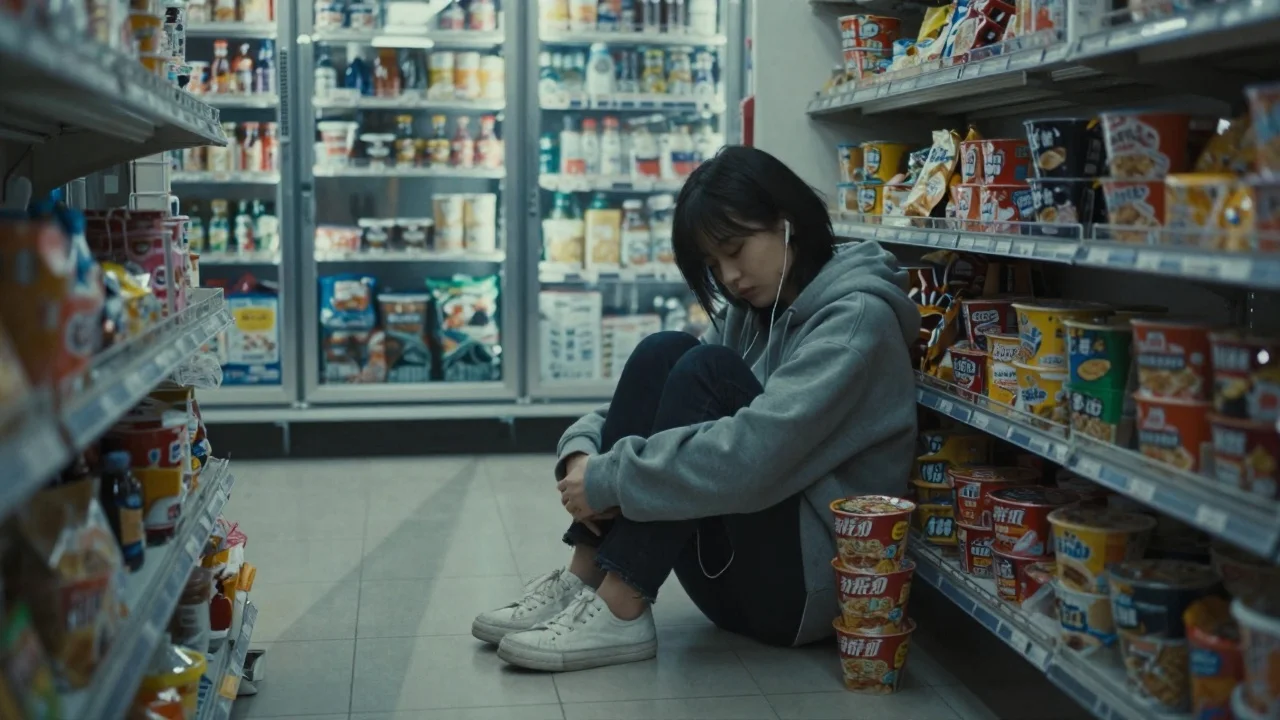
Endpoint
Extend Clip
/v1/video/seedance-2/extend
Take a successful generation and continue the motion, pacing, or scene progression.
Best for: Useful for teaser workflows, scene sequencing, or building longer outputs from validated shots.
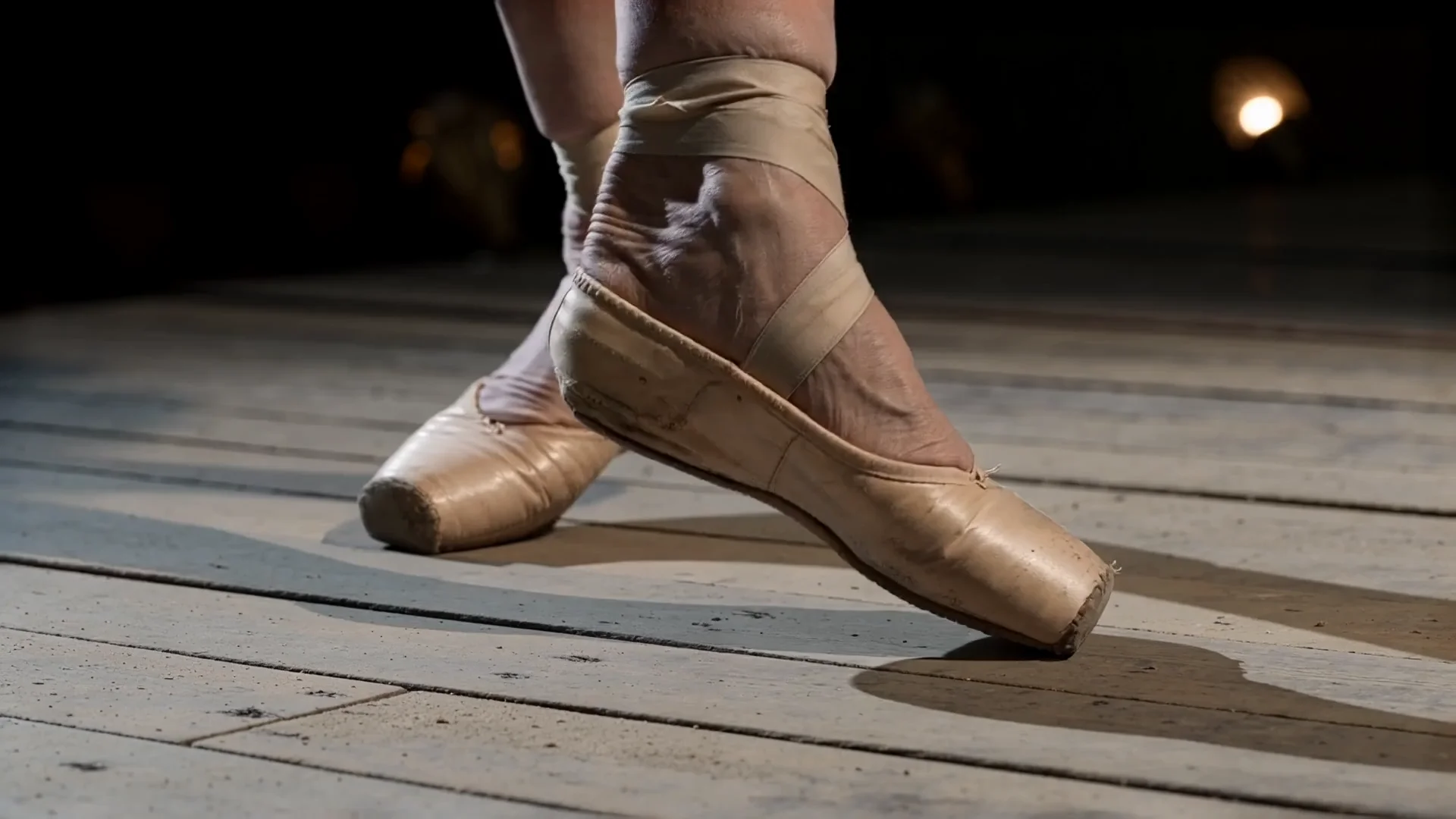
Endpoint
Job Status
/v1/jobs/{jobId}
Poll any Seedance generation job until it is completed, failed, or ready for retrieval.
Best for: Needed for production integrations where the UI or backend tracks asynchronous generation state.
Get started today
Ready to integrate Seedance 2.0?
Try the API directly in the console, or reach out to the team for onboarding, pricing, and enterprise setup.
API Documentation
How to get access to Seedance 2.0 API
The client API handles the submit protocol, status polling, and final result retrieval. Use the tabs below to browse language examples and the main endpoint families you will productize first.
const apiKey = process.env.IMAROUTER_API_KEY;

async function createSeedanceClip() {
  const createResponse = await fetch("https://api.imarouter.com/v1/video/seedance-2/generate", {
    method: "POST",
    headers: {
      "Authorization": `Bearer ${apiKey}`,
      "Content-Type": "application/json"
    },
    body: JSON.stringify({
      prompt: "Luxury skincare bottle on wet black stone, slow push-in camera, soft mist, cinematic product lighting",
      durationSeconds: 6,
      resolution: "1080p",
      tier: "standard"
    })
  });

  const job = await createResponse.json();

  let status = "queued";
  while (status !== "completed") {
    await new Promise((resolve) => setTimeout(resolve, 3000));

    const statusResponse = await fetch(`https://api.imarouter.com/v1/jobs/${job.id}`, {
      headers: {
        "Authorization": `Bearer ${apiKey}`
      }
    });

    const jobState = await statusResponse.json();
    status = jobState.status;

    if (status === "failed") {
      throw new Error(jobState.error ?? "Seedance generation failed");
    }

    if (status === "completed") {
      return jobState.output[0].url;
    }
  }
}
Async flow
- 1
Submit a generation request to the main endpoint and store the returned job id.
- 2
Poll the status endpoint or hand the job id back to your frontend for progress tracking.
- 3
When the job reaches completed, read the output URL and persist it in your own application state.
- 4
If users need a faster creative loop, call the fast tier first and re-run the best prompt through the standard tier.
What Makes It Different
What makes the Seedance 2.0 API different
This section is laid out to read more like a product narrative than a feature list. Each row shows a capability, why it matters, and what that looks like in a real workflow.

Capability
Director-level camera language
Seedance 2.0 works well with camera direction, pacing cues, and scene framing language that creative teams already use.
Developers can expose richer prompt controls without making non-technical users learn API-specific jargon.
Example scenario
A creative operations tool lets brand teams choose push-in, dolly, orbit, or handheld looks from presets before generation.
Capability
Cleaner motion for commercial scenes
The model is well suited for product reveals, lifestyle motion, and short cinematic beats where motion quality changes conversion outcomes.
Teams can use the same model for preview content and polished campaign variants instead of stitching together separate tools.
Example scenario
An ecommerce team renders multiple launch clips for a new product line, then promotes the top-performing concept directly from the app.


Capability
Fast tier for prototyping
You can separate low-latency prompt validation from higher quality final runs, which reduces wasted render spend.
This makes the API easier to productize because you can offer responsive UX without pretending final output is instantaneous.
Example scenario
A creator SaaS uses the fast tier while a user is iterating, then automatically upgrades the winning prompt to the standard tier.
Capability
Async workflow that fits real apps
The job-based API flow works with queues, notifications, polling UIs, and background processing without hacks.
Engineering teams get a predictable integration model that scales from simple playgrounds to multi-user production systems.
Example scenario
A backend stores job ids, updates generation status in a dashboard, and sends a webhook or in-app notification when the video is ready.

Unified API Platform
Two API tiers for different use cases
Pick the right balance of quality, speed, and cost for your workflow. The section stays data-driven, but the presentation is closer to a clean product comparison table.
| Feature | Fast | StandardRecommended | Studio |
|---|---|---|---|
| Best for | Prompt iteration and product previews | Balanced production output | Highest quality creative review workflows |
| Speed | Lowest latency | Moderate | Slowest |
| Quality | Good enough for concept validation | Higher fidelity motion and composition | Best for polished presentation |
| Cost | Lowest cost | Mid-tier | Highest cost |
| Recommended use | Interactive builders, internal ideation tools, social concept testing | Campaign drafts, customer-facing exports, product marketing clips | Premium deliverables, hero visuals, executive review cuts |
| API endpoints | /v1/video/seedance-2/fast | /v1/video/seedance-2/generate, /v1/video/seedance-2/extend | /v1/video/seedance-2/generate, /v1/video/seedance-2/extend |
Use Cases
Industries using the Seedance 2.0 API
This section keeps the same reusable data model, but the presentation is closer to a grid of industry cards instead of long narrative boxes.
Growth marketers and product merchandising teams
Ecommerce launch assets
Generate short product reveal videos from catalog images, packaging shots, or launch prompts.
Seedance 2.0 is useful here because it can produce fast commercial motion studies without requiring a full motion design workflow.
Paid media teams and creative strategists
Advertising concept testing
Produce multiple ad directions from the same campaign brief before committing to a final cut.
A fast preview tier lowers the cost of exploring several creative directions for the same message.
Creator tools, agencies, and social media operators
Social and creator workflows
Offer users a prompt-to-video workflow for reels, teasers, or branded short-form content.
The async API flow maps well to creator products that queue jobs, track progress, and publish outputs back into templates.
Creative directors, previs teams, and concept artists
Film and entertainment previsualization
Turn scene descriptions and camera intent into test shots for pacing, framing, and direction alignment.
It helps teams review motion ideas before spending on more expensive manual production work.
Game studios and virtual production prototyping teams
Game and virtual production scenes
Prototype environment shots, character teasers, or mood-driven cutscene concepts for internal review.
A reusable video API is easier to embed into content tools than a collection of manual model workflows.
Visualization teams, architects, and real-estate platforms
Architecture and design fly-throughs
Generate mood-based motion previews for interiors, lobbies, productized spaces, or design boards.
The combination of image-led input and motion prompting is useful for early-stage client presentation materials.
Examples
Seedance 2.0 API examples
Prompt directions paired with visual reference frames. Use them as inspiration for landing pages, creator tooling, commercial mockups, or API playground defaults.

Cinematic product launch
Product ad direction
Use this for ecommerce hero launches, premium landing pages, or motion studies before a brand shoot.
Luxury skincare bottle on wet volcanic stone, soft mist drifting across frame, slow push-in camera move, premium commercial lighting, shallow depth of field, realistic reflections

UGC fashion teaser
Creator workflow
A strong base prompt for short social clips that still need polished movement and directional control.
Streetwear creator exiting a metro station into golden-hour city light, handheld energy, subtle fabric motion, short social-first framing, authentic lifestyle look

Architecture fly-through
Design presentation
Good for environment concept motion, client decks, and pre-build visualization storytelling.
Modern hotel lobby with warm sunlight, polished limestone floor, indoor trees, measured camera glide toward reception desk, luxury hospitality atmosphere

Action teaser frame
Entertainment concept
Useful when teams need a fast proof of motion language before moving into a broader storyboard or previs pipeline.
Rain-soaked alley chase at night, dynamic side tracking shot, sparks and puddle reflections, intense pacing, stylized but realistic action energy

Focus Shift Transition
Ima Studio community reference
Reference still extracted from the Ima Studio Seedance 2.0 community gallery. Useful for motion-led product reveals and premium brand transitions.
Product shot with focal pull transition, clean camera move, premium lighting, and short-form commercial pacing built around a single hero object.

Cinematic Reset
Ima Studio community reference
Another Seedance 2.0 community still. Good reference for trailer-style intros, transition resets, and short social hooks with stronger atmosphere.
High-contrast cinematic reset shot with controlled framing, moody lighting, and a dramatic transition beat designed for short-form video hooks.

Undead Horse
Ima Studio community reference
Extracted from the Seedance2.0Film gallery. Useful as a reference for fantasy creature reveals and stylized dramatic composition.
Dark fantasy creature reveal with cinematic framing, rich environmental mood, and high-impact visual silhouette for a short dramatic beat.

Ancient Chinese Mountain
Ima Studio community reference
Seedance 2.0 community still for environment-driven storytelling. Strong reference for landscape intros, fantasy worlds, and period-style atmosphere.
Epic mountain landscape with historical atmosphere, layered depth, and wide cinematic framing for a mythic establishing shot.
How To Use This API
How to use Seedance 2.0 API
This quick-start walkthrough is written to rank for integration-style searches while staying concise enough for busy developers and operators.
- 1
Create your account
Sign up for ImaRouter so you can access the playground, dashboard, and API credentials from one place.
- 2
Generate an API key
Create a server-side API key and store it in your environment configuration before you call any video endpoint.
- 3
Choose fast or standard tier
Start with the fast preview tier for iteration, or go directly to the standard tier when you already know the shot you want.
- 4
Submit a generation request
Send your prompt, duration, and resolution to the Seedance 2.0 endpoint, then capture the returned job id.
- 5
Poll and retrieve the result
Use the job status endpoint until the generation completes, then download or store the returned output URL.
FAQ
Frequently asked questions about Seedance 2.0 API
FAQs stay compact and skimmable here. The content is still data-driven for SEO, but the layout is cleaner and less visually heavy.
What is Seedance 2.0 API?
Seedance 2.0 API is a programmable interface for generating short-form AI videos from prompts or image-led creative direction without manually operating the model yourself.
How does the API work?
The API uses an asynchronous job pattern. You submit a generation request, receive a job id, poll for status, and then retrieve the completed video output URL.
What inputs are supported?
The sample integration supports prompt-only text-to-video requests as well as prompt-plus-image workflows for more guided motion generation.
How fast is Seedance 2.0 API?
Latency depends on the selected tier, output settings, and queue conditions. A fast preview tier is designed for quicker iteration, while higher fidelity tiers trade time for quality.
What output format does it return?
Completed jobs return one or more downloadable video outputs, typically as MP4 assets that can be stored, reviewed, or passed into your application workflow.
Is there a fast tier?
Yes. The template supports a fast preview tier so teams can validate prompt direction before re-running the best prompt through a more expensive quality setting.
How do I get started?
Create an account, generate an API key, test prompts in the playground, and then integrate the async API flow into your backend or product workflow.
Why use ImaRouter instead of integrating providers directly?
ImaRouter combines model routing, five-modality coverage, transparent pricing, automatic failover, and faster new-model onboarding so teams do not have to integrate and monitor providers one by one.
Can I use it globally?
Yes. The API is designed for internet-accessible application workflows, so teams can integrate it into global products as long as they comply with regional content and platform requirements.
Model Directory
Browse the full model market before you choose your route.
Use the `/models` catalog to scan providers, modalities, reasoning support, context windows, and pricing metadata from a local OpenRouter snapshot. It is the fastest way to compare what exists before you decide which models should be prioritized on ImaRouter.
Get Started
Ship Seedance 2.0 into your product without building custom video infrastructure
Use the playground to test prompts, then move the same workflow into production with API keys, async jobs, and tiered rendering options. Use one API surface for 200+ models across five modalities, with transparent routing, automatic failover, and fast new-model onboarding.