

Creative Direction
Visual references for image-led video workflows
Selected frames and stills that help explain how source images, reference material, and finished outputs can shape a Happy Horse video workflow.
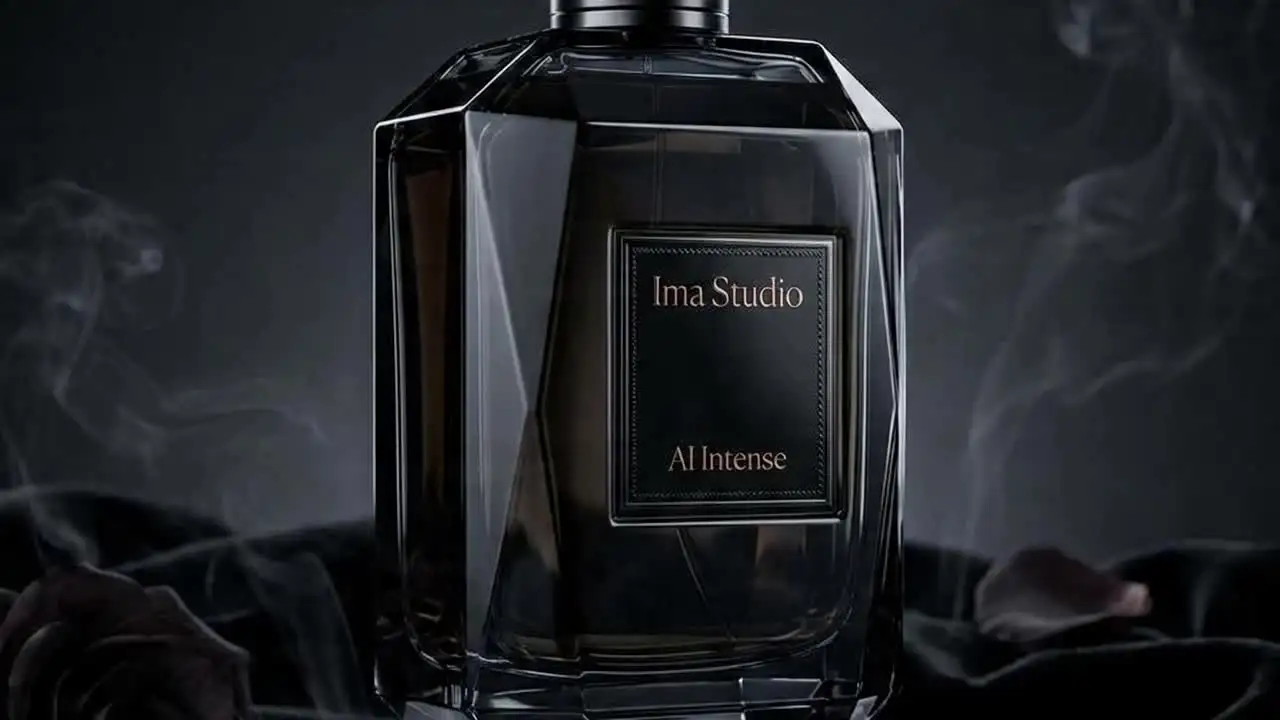
Imagine Prompting
Atmosphere and Style Direction
Midjourney prompting still benefits from clear style direction, subject description, and aspect ratio intent. A cinematic still like this helps illustrate what a strong prompt should specify.
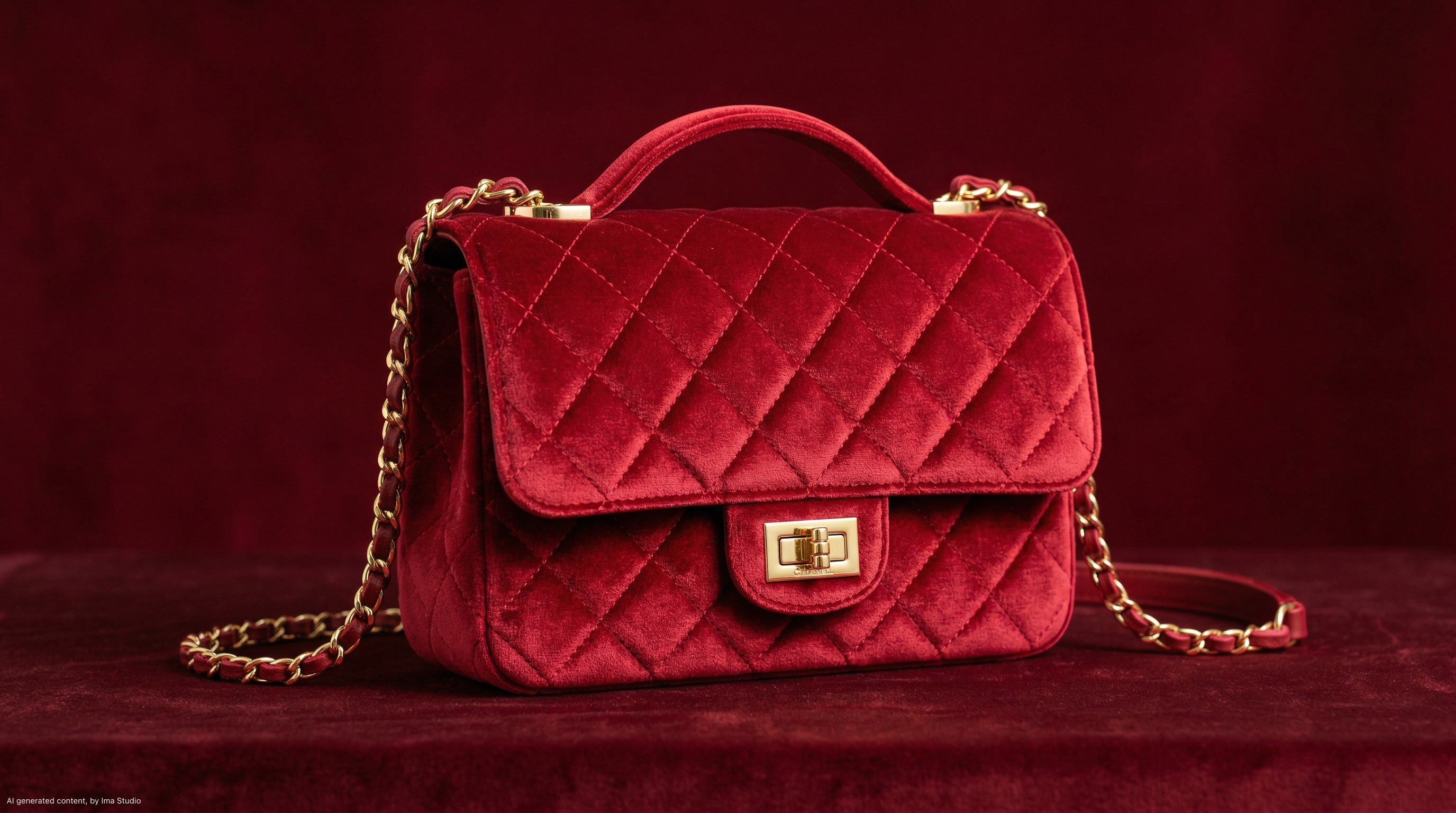
Blend Workflow
Two-Image Fusion
The blend endpoint is useful when the workflow starts from two or more existing visuals that need to be fused into one Midjourney-style result instead of being described from scratch.
Available Endpoints
Start building with the Midjourney API
Multiple endpoints for text-to-video, image-to-video, fast preview flows, and async job retrieval. This section is laid out more like a product catalog than raw docs so users can scan what to use first.
Endpoint
Imagine Task
/mj/submit/imagine
Submit a Midjourney imagine task by sending a prompt string that can include standard MJ -- parameters such as --ar, --v, or --niji.
Best for: Use this for prompt-led image generation when you want standard Midjourney-style composition, styling, and parameter control.
Endpoint
Blend Task
/mj/submit/blend
Submit a Midjourney blend task with 2 to 5 source images, optionally adding a prompt to guide the fused result.
Best for: Useful when the output should merge reference materials instead of relying only on a text prompt.
Endpoint
Change Task
/mj/submit/change
Submit a Midjourney post-generation change task such as upscale, variation, reroll, zoom, pan, or remix against an existing completed task.
Best for: Use this after a successful imagine or blend run when you need to refine or branch from one of the generated images.
Endpoint
Task Fetch
/mj/task/{task_id}/fetch
Poll Midjourney task status and read the final urls array once the task succeeds.
Best for: Needed for production applications that track queue state and need the full result gallery instead of only the first image.
Endpoint
Image Proxy
/mj/image/{task_id}
Fetch the first Midjourney image for a completed task through the proxy endpoint.
Best for: Useful when the product wants a simplified first-image retrieval path, while still keeping the full gallery available from the fetch endpoint.
Get started today
Ready to integrate Midjourney?
Try the API directly in the console, or reach out to the team for onboarding, pricing, and enterprise setup.
API Documentation
How to get access to Midjourney API
Midjourney on ImaRouter is a task-based image workflow rather than a synchronous image generation API. Submit imagine, blend, or change tasks first, then poll task status and retrieve final image URLs after completion.
const apiKey = process.env.IMAROUTER_API_KEY;

async function createMidjourneyImagine() {
  const submitResponse = await fetch("https://api.imarouter.com/mj/submit/imagine", {
    method: "POST",
    headers: {
      "Authorization": `Bearer ${apiKey}`,
      "Content-Type": "application/json"
    },
    body: JSON.stringify({
      prompt: "futuristic city skyline at dusk --v 7 --fast --ar 16:9 --s 200 --q 2"
    })
  });

  const task = await submitResponse.json();

  let status = "";
  while (status !== "SUCCESS" && status !== "FAILURE") {
    await new Promise((resolve) => setTimeout(resolve, 3000));

    const statusResponse = await fetch(`https://api.imarouter.com/mj/task/${task.result}/fetch`, {
      headers: {
        "Authorization": `Bearer ${apiKey}`
      }
    });

    const taskState = await statusResponse.json();
    status = taskState.status;

    if (status === "FAILURE") {
      throw new Error(taskState.failReason ?? "Midjourney task failed");
    }

    if (status === "SUCCESS") {
      return taskState.urls;
    }
  }
}
Async flow
- 1
Submit an imagine, blend, or change request depending on whether the workflow starts from text, multiple images, or an existing Midjourney result.
- 2
Store the returned task id from the submit response.
- 3
Poll /mj/task/{task_id}/fetch until the task reaches SUCCESS or FAILURE.
- 4
Read the urls array from the completed fetch response, then persist the hosted result images in your own storage flow.
What Makes It Different
What makes the Midjourney API different
This section is laid out to read more like a product narrative than a feature list. Each row shows a capability, why it matters, and what that looks like in a real workflow.
Prompt parameters stay inside the prompt
That preserves Midjourney's native prompting model and makes it easier for teams already used to MJ syntax to move into an API workflow.
Capability
Prompt parameters stay inside the prompt
The public Midjourney docs keep model version, speed mode, aspect ratio, and related controls in the prompt string through the familiar -- syntax instead of splitting them into many transport fields.
That preserves Midjourney's native prompting model and makes it easier for teams already used to MJ syntax to move into an API workflow.
Example scenario
A design tool stores prompt presets that already include --ar, --v, --niji, and style settings without converting them into a custom schema.
Capability
Separate submit paths for imagine, blend, and change
Midjourney on ImaRouter is not one generic image generation endpoint. The docs explicitly separate prompt-first generation, multi-image blending, and post-generation task actions.
This makes workflow intent clearer and helps product teams map UI states more cleanly to the correct MJ operation.
Example scenario
A creative app offers three distinct buttons: create from prompt, blend references, and refine existing output.
Separate submit paths for imagine, blend, and change
This makes workflow intent clearer and helps product teams map UI states more cleanly to the correct MJ operation.
Task fetch gives the full gallery
That matters because products that rely only on one preview image lose the full Midjourney result set and reduce the usefulness of upscale and variation flows.
Capability
Task fetch gives the full gallery
The fetch endpoint returns the complete urls array, while the image proxy is only a first-image convenience path.
That matters because products that rely only on one preview image lose the full Midjourney result set and reduce the usefulness of upscale and variation flows.
Example scenario
A review UI shows all four returned images from a successful imagine task so a user can pick the right tile for further variation or upscale.
Capability
Change covers the real refinement loop
The change endpoint exposes the useful Midjourney follow-up actions developers actually need after the initial render: upscale, variation, reroll, zoom, pan, and remix.
That makes the API suitable for iterative design products instead of treating Midjourney as a one-shot image generator.
Example scenario
A brand team picks image 2 from the first result grid, runs subtle variation, then zooms the winning branch for final export.
Change covers the real refinement loop
That makes the API suitable for iterative design products instead of treating Midjourney as a one-shot image generator.
Unified API Platform
Two API tiers for different use cases
Pick the right balance of quality, speed, and cost for your workflow. The section stays data-driven, but the presentation is closer to a clean product comparison table.
| Feature | ImagineRecommended | Blend | Change |
|---|---|---|---|
| Best for | Prompt-first image generation | Multi-image fusion | Upscale and iterative refinement |
| Speed | Async task flow | Async task flow | Async task flow |
| Quality | Full MJ-style prompt control | Strong for combining reference images | Best for branching from completed results |
| Cost | Task-based | Task-based | Task-based |
| Recommended use | Use imagine when the workflow starts from text and MJ prompt parameters should stay in the prompt string. | Use blend when the result should emerge from two to five source images instead of a pure text description. | Use change when the user already has a completed Midjourney task and wants to upscale, vary, reroll, zoom, pan, or remix it. |
| API endpoints | /mj/submit/imagine | /mj/submit/blend | /mj/submit/change, /mj/task/{task_id}/fetch |
Use Cases
Industries using the Midjourney API
This section keeps the same reusable data model, but the presentation is closer to a grid of industry cards instead of long narrative boxes.
Design tools and creative ideation products
Design concept generation
Turn MJ prompt presets into image grids with familiar -- parameter control for style, version, and aspect ratio.
This fits teams that already think in Midjourney prompt syntax and want to operationalize it through an API instead of manual chat workflows.
Moodboard tools and creative ops
Reference fusion workflows
Blend two to five source images into one fused visual direction without manually compositing references beforehand.
The blend endpoint is designed exactly for this kind of source-driven visual synthesis.
Brand teams and agencies
Iterative art direction
Generate an initial grid, pick the best image tile, then run variation, upscale, zoom, pan, or remix as part of a structured refinement loop.
Midjourney is most useful when the product supports the whole iterative chain instead of only the first imagine call.
Illustration platforms and entertainment apps
Anime and stylized outputs
Use prompt syntax such as --niji and related MJ settings to expose anime-native or stylized generation modes inside the product.
This gives users a native-feeling MJ experience without requiring them to leave the application.
Creative operations and approval flows
Internal review systems
Poll task status, store the full urls array, and expose all returned images for selection, annotation, or downstream branching.
The fetch endpoint is more useful than a single preview link when the product needs structured review and approval.
Template tools and prompt marketplaces
Prompt library products
Store reusable MJ prompt recipes that already include versioning, style, and aspect ratio flags in one plain-text template.
The API respects Midjourney's prompt-native parameter style instead of forcing all settings into rigid JSON fields.
Examples
Midjourney API examples
Prompt directions paired with visual reference frames. Use them as inspiration for landing pages, creator tooling, commercial mockups, or API playground defaults.
Futuristic cityscape
Prompt-led MJ imagine
A strong Midjourney imagine example keeps the prompt expressive while embedding the model and style controls directly inside the same prompt string.
futuristic city skyline at dusk --v 7 --fast --ar 16:9 --s 200 --q 2
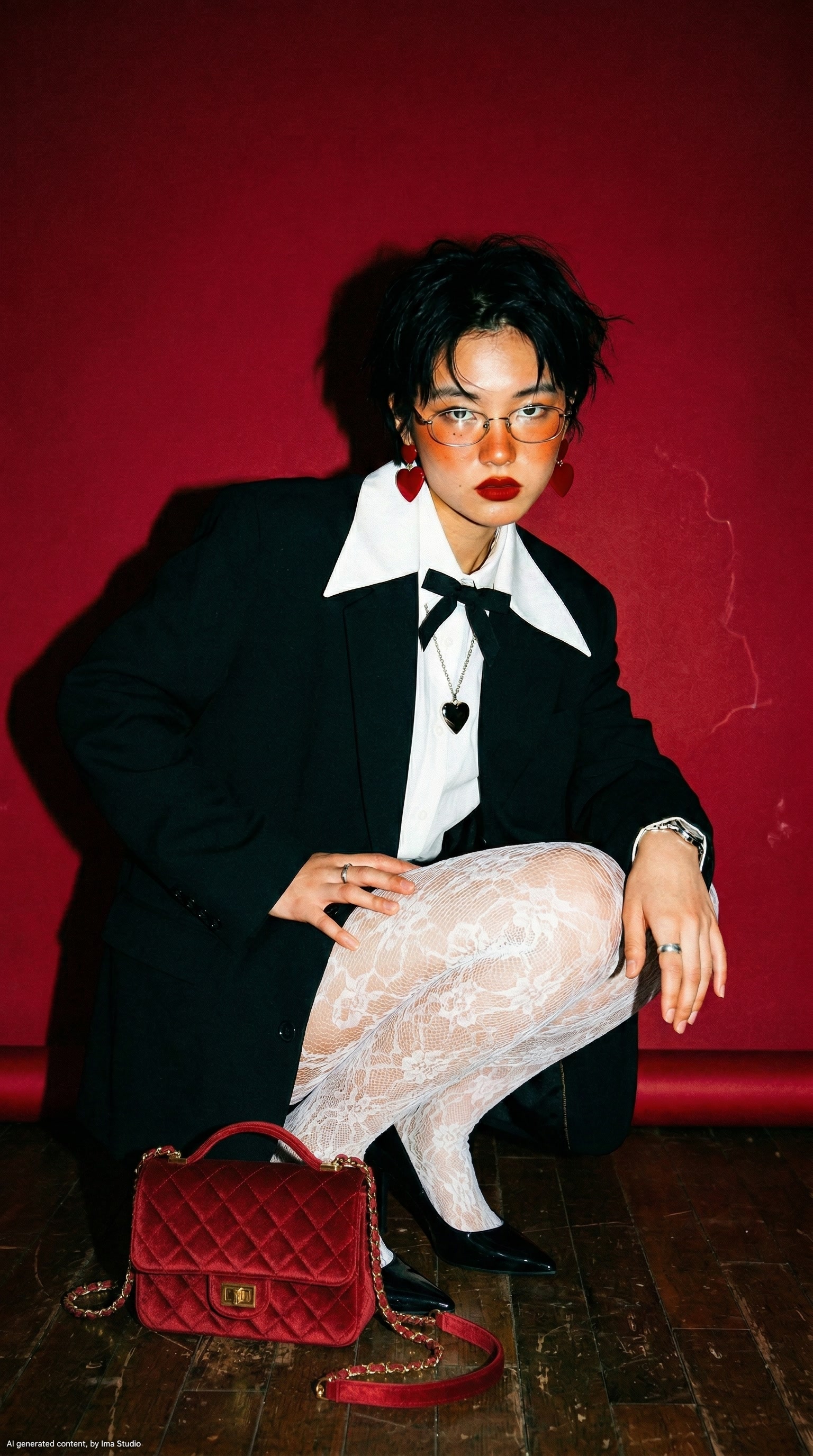
Anime rain portrait
Stylized character generation
This pattern shows how the API can support stylized or anime-oriented Midjourney workflows while staying prompt-native.
anime style girl in rain --niji 7 --ar 9:16
Style reference portrait
Style-guided imagine
Useful when the workflow depends on style reference guidance more than pure subject description.
a portrait --sref https://example.com/style.jpg --sw 500 --v 7
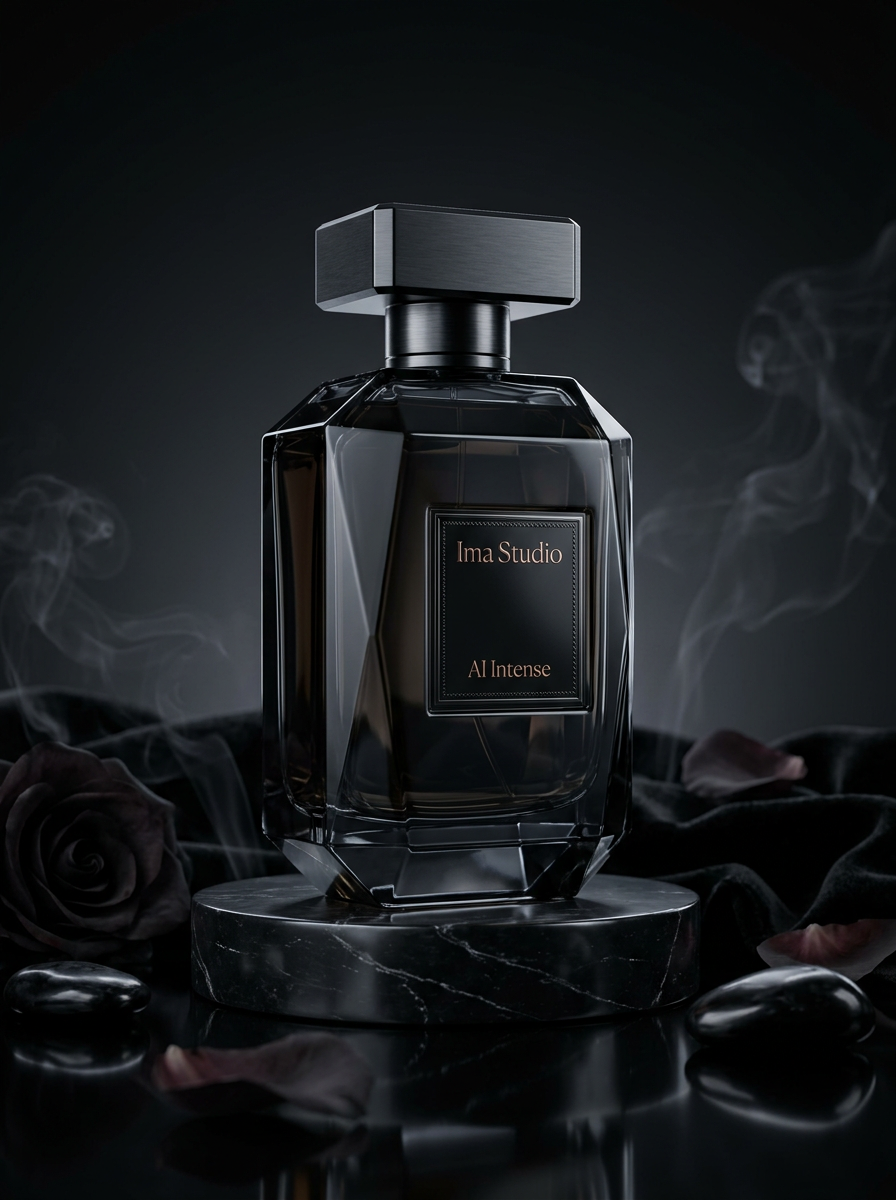
Blend plus text direction
Multi-image fusion
A practical example for brand or concept workflows where source visuals already exist and the product needs to fuse them into one new direction.
Blend two source images and guide the final result toward a cinematic style
How To Use This API
How to use Midjourney API
This quick-start walkthrough is written to rank for integration-style searches while staying concise enough for busy developers and operators.
- 1
Choose imagine, blend, or change
Start by deciding whether the workflow begins from a prompt, from multiple source images, or from an already completed Midjourney task.
- 2
Write the prompt in MJ style
Keep Midjourney settings inside the prompt itself using the familiar -- syntax for version, aspect ratio, speed, style, or niji mode.
- 3
Submit the task
Send the request to the matching MJ submit endpoint and store the returned task id from the submit response.
- 4
Poll task status
Use /mj/task/{task_id}/fetch until the task reaches SUCCESS or FAILURE, rather than assuming the result is immediately available.
- 5
Persist the final images
Read the urls array from the successful fetch response and archive the hosted image resources promptly in your own storage.
FAQ
Frequently asked questions about Midjourney API
FAQs stay compact and skimmable here. The content is still data-driven for SEO, but the layout is cleaner and less visually heavy.
What is Midjourney API on ImaRouter?
Midjourney API on ImaRouter is a proxy-style async task interface for MJ imagine, blend, and post-generation change workflows, plus fetch endpoints for result polling and image retrieval.
What endpoints does Midjourney use?
The public docs expose /mj/submit/imagine, /mj/submit/blend, /mj/submit/change, /mj/task/{task_id}/fetch, and /mj/image/{task_id}.
Do I pass MJ settings as JSON fields?
Usually no. The docs specify that standard Midjourney settings such as --ar, --v, --niji, and related controls stay inside the prompt string.
How do I blend multiple images?
Use /mj/submit/blend with 2 to 5 source images in base64Array. The public docs currently describe these entries as URL-based image inputs.
How do I upscale or create variations?
Use /mj/submit/change with the appropriate action and the completed Midjourney task id. The docs cover upscale, variation, reroll, zoom, pan, and remix-style actions.
How do I get the final result gallery?
Poll /mj/task/{task_id}/fetch and read the urls array once the task succeeds. The image proxy endpoint is only the first-image convenience path.
Are the image URLs permanent?
No. The docs explicitly treat the returned image URLs as hosted short-term resources that should be downloaded and archived promptly.
Why use ImaRouter for Midjourney instead of manual Discord workflows?
It gives developers a programmatic task flow for imagine, blend, and refinement operations, which is much easier to integrate into products, internal tools, and approval systems than manual interactive channels.
Model Directory
Browse the full model market before you choose your route.
Use the `/models` catalog to scan providers, modalities, reasoning support, context windows, and pricing metadata from a local OpenRouter snapshot. It is the fastest way to compare what exists before you decide which models should be prioritized on ImaRouter.
Get Started
Bring Midjourney into your product without building a manual operator workflow
Use one task-oriented API flow for prompt generation, image blending, and iterative MJ refinement. Use one API surface for 80+ models across five modalities, with transparent routing, automatic failover, and fast new-model onboarding.