

Creative Direction
Visual references for image-led video workflows
Selected frames and stills that help explain how source images, reference material, and finished outputs can shape a Happy Horse video workflow.
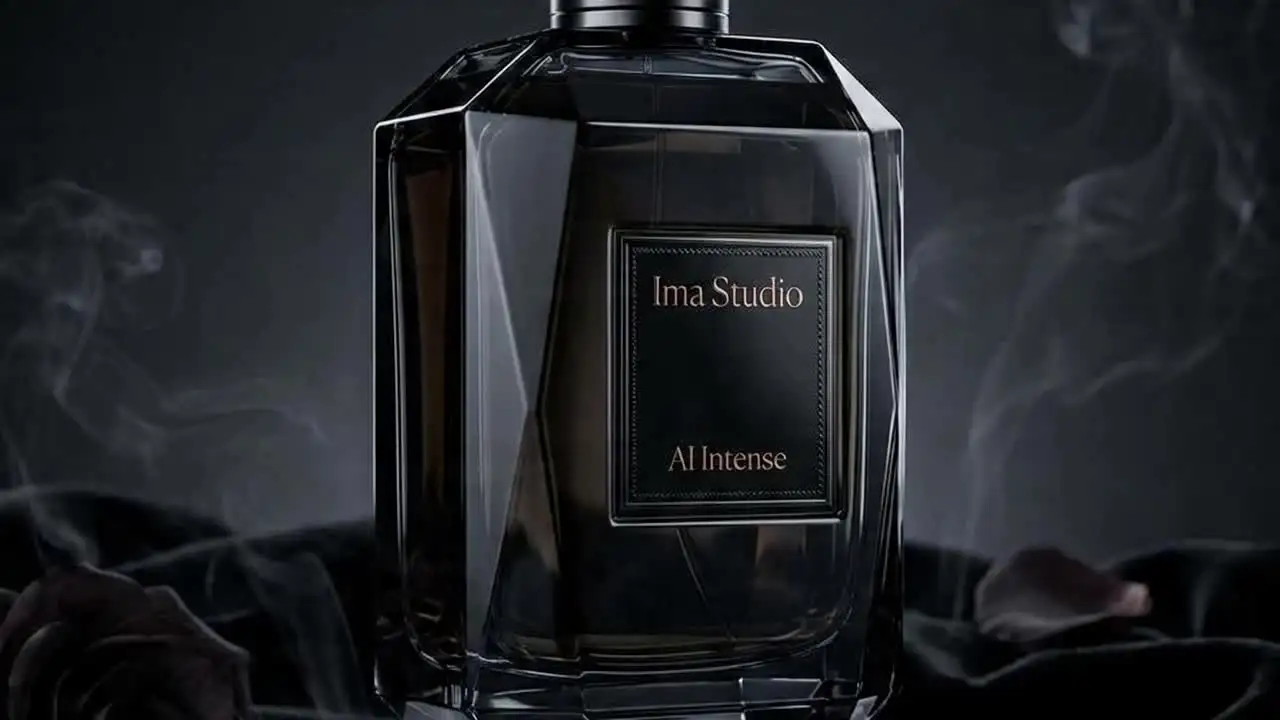
Prompt-Led Scene
Atmospheric Motion Direction
A cinematic still like this is useful when writing Vidu text-to-video prompts because it makes you specify subject, lighting, camera movement, and final mood explicitly.
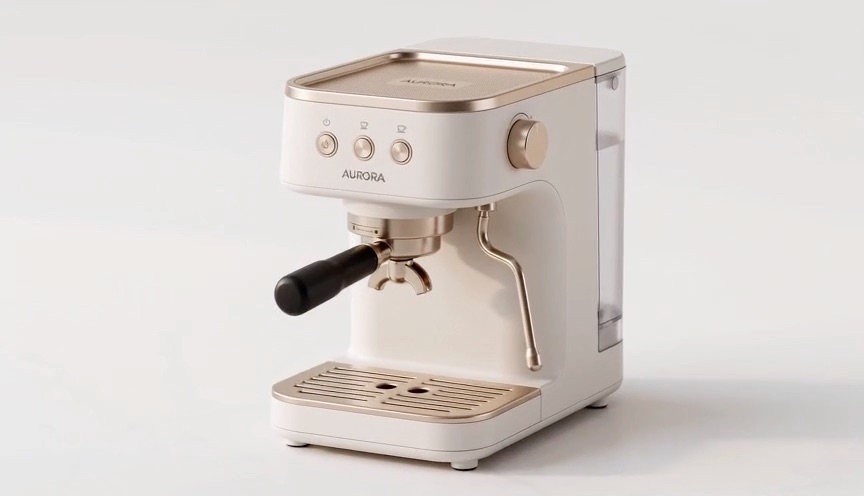
Image-Led Start
First-and-Last-Frame Logic
Vidu supports image arrays for picture-to-video workflows, including single-image and first-last-frame style input patterns depending on the model. A structured frame like this is useful when the visual start or end state matters.
Available Endpoints
Start building with the Vidu API
Multiple endpoints for text-to-video, image-to-video, fast preview flows, and async job retrieval. This section is laid out more like a product catalog than raw docs so users can scan what to use first.
Endpoint
Text-to-Video Task
/v1/videos
Create a Vidu text-to-video task by setting model to a Vincent-capable Vidu variant such as viduq1, viduq2, viduq3-pro, or viduq3-turbo.
Best for: Use this for prompt-led short-form video generation when the workflow does not start from source images.
Endpoint
Image-to-Video Task
/v1/videos
Create an image-guided Vidu task by passing one or more source images in the images array. This is required for the Tusheng-only models such as viduq2-pro and viduq2-turbo.
Best for: Best when the motion should start from approved visual material or when the chosen Vidu model only supports picture-to-video workflows.
Endpoint
Task Status
/v1/videos/{task_id}
Poll a submitted Vidu task until it completes, then read the hosted output URL from the completed task payload.
Best for: Needed for production apps that queue generation tasks, surface progress, and persist outputs after the hosted result becomes available.
Get started today
Ready to integrate Vidu?
Try the API directly in the console, or reach out to the team for onboarding, pricing, and enterprise setup.
API Documentation
How to get access to Vidu API
Vidu on ImaRouter follows the same async public video task flow as the other routed media models, but the payload semantics differ: size means aspect ratio, metadata.resolution means resolution, and images drive the picture-to-video path.
const apiKey = process.env.IMAROUTER_API_KEY;

async function createViduVideo() {
  const createResponse = await fetch("https://api.imarouter.com/v1/videos", {
    method: "POST",
    headers: {
      "Authorization": `Bearer ${apiKey}`,
      "Content-Type": "application/json"
    },
    body: JSON.stringify({
      model: "viduq3-pro",
      prompt: "Luxury product launch film, wet reflective surface, slow orbit motion, premium cinematic lighting, polished ad pacing",
      duration: 8,
      size: "16:9",
      metadata: {
        resolution: "1080p"
      }
    })
  });

  const task = await createResponse.json();

  let status = "";
  while (status !== "completed") {
    await new Promise((resolve) => setTimeout(resolve, 3000));

    const statusResponse = await fetch(`https://api.imarouter.com/v1/videos/${task.task_id ?? task.id}`, {
      headers: {
        "Authorization": `Bearer ${apiKey}`
      }
    });

    const taskState = await statusResponse.json();
    status = taskState.status;

    if (status === "failed") {
      throw new Error(taskState.error ?? "Vidu generation failed");
    }

    if (status === "completed") {
      return taskState.metadata?.url ?? taskState.video?.url ?? taskState.output?.[0]?.url;
    }
  }
}
Async flow
- 1
Choose the Vidu variant first based on whether the workflow is text-to-video, image-to-video, or a Tusheng-only path.
- 2
Submit the task to /v1/videos with prompt, duration, size for aspect ratio, metadata.resolution for resolution, and images when the workflow is image-led.
- 3
Store the returned task id in your backend or hand it back to the frontend for polling.
- 4
Poll /v1/videos/{task_id} until the task completes, then persist the hosted output URL in your own storage flow.
What Makes It Different
What makes the Vidu API different
This section is laid out to read more like a product narrative than a feature list. Each row shows a capability, why it matters, and what that looks like in a real workflow.
One public task API across six Vidu variants
That means product teams can add or remove Vidu variants without rewriting the transport layer every time the model family changes.
Capability
One public task API across six Vidu variants
The public docs expose a broad Vidu model family, but they still keep everything behind the same /v1/videos task interface.
That means product teams can add or remove Vidu variants without rewriting the transport layer every time the model family changes.
Example scenario
A multimodel video product offers viduq2 for simpler Vincent runs and viduq3-pro for more premium work while keeping the same async backend flow.
Capability
Aspect ratio and resolution are intentionally separated
Vidu uses size for aspect ratio and metadata.resolution for actual output resolution. This is one of the most important implementation details in the public docs.
Separating these two concerns makes UI validation and preset design much cleaner than collapsing them into one ambiguous field.
Example scenario
A mobile-first workflow sets size to 9:16 and metadata.resolution to 720p for social testing, then reruns at 1080p for final output.
Aspect ratio and resolution are intentionally separated
Separating these two concerns makes UI validation and preset design much cleaner than collapsing them into one ambiguous field.
Image-array-driven Tusheng flows
This gives teams a direct way to productize first-frame or first-last-frame style motion without inventing a separate bespoke schema.
Capability
Image-array-driven Tusheng flows
The Vidu request shape treats image-guided generation as an images-array workflow, including single-image and dual-image patterns. Some models are image-only by design.
This gives teams a direct way to productize first-frame or first-last-frame style motion without inventing a separate bespoke schema.
Example scenario
A campaign tool uses two images to define the start and end frame of a short branded transition on a Tusheng-only variant.
Capability
Model-specific duration constraints matter
viduq1 is fixed at 5 seconds, the viduq2 family supports 4 to 8 seconds, and the viduq3 family supports 1 to 16 seconds.
If the frontend understands those limits, the product can prevent unsupported task submissions before they ever hit the queue.
Example scenario
An internal creative tool hides the 12-second option for viduq2 but exposes it for viduq3-pro when a longer motion concept is needed.
Model-specific duration constraints matter
If the frontend understands those limits, the product can prevent unsupported task submissions before they ever hit the queue.
Unified API Platform
Two API tiers for different use cases
Pick the right balance of quality, speed, and cost for your workflow. The section stays data-driven, but the presentation is closer to a clean product comparison table.
| Feature | viduq1 | viduq2 / viduq2-pro / viduq2-turboRecommended | viduq3-pro / viduq3-turbo |
|---|---|---|---|
| Best for | Simple fixed-length generation | Short-form Vincent or Tusheng workflows | More flexible current-generation Vidu runs |
| Speed | Async task flow | Async task flow | Async task flow |
| Quality | Fixed 1080P / 5s baseline | Strong for 4-8s runs | Flexible 1-16s output with per-second billing |
| Cost | Task-based | Task-based | Per-second billed |
| Recommended use | Use viduq1 when you want a simple fixed-length Vidu path with minimal decision surface. | Use viduq2 for Vincent text-to-video and the pro/turbo variants when the workflow is image-led. | Use viduq3 variants when the workflow needs broader duration flexibility or a newer Vidu generation tier. |
| API endpoints | /v1/videos | /v1/videos | /v1/videos, /v1/videos/{task_id} |
Use Cases
Industries using the Vidu API
This section keeps the same reusable data model, but the presentation is closer to a grid of industry cards instead of long narrative boxes.
Growth teams and creative tools
Short-form ad generation
Generate short commercial directions with explicit aspect ratio and resolution control across the Vidu model family.
Vidu is practical for teams that want several short output tiers without changing the public task submission pattern.
Brand teams and social editors
Image-led transitions
Use one or two source images to create guided motion where the opening frame or the start-end visual relationship matters.
The Vidu image-array shape is a natural fit for picture-to-video and first-last-frame style workflows.
UGC apps and mobile-first products
Vertical mobile creative
Generate 9:16 content deliberately by setting size to portrait while controlling resolution separately through metadata.resolution.
This is cleaner than creating widescreen output first and forcing a crop afterward.
Creative operations and internal tooling
Constraint-aware operator tools
Expose only the supported duration range for the chosen Vidu variant so internal users do not submit impossible combinations.
The public docs make those model-specific duration limits explicit enough to turn into frontend validation.
Platform teams and AI product builders
Multimodel routed video stacks
Add Vidu beside Hailuo, PixVerse, Wan, and Seedance while keeping the same /v1/videos task shape in your product.
The main win is consistency across model families, not forcing every provider into a custom integration branch.
Performance marketers and creative reviewers
Resolution-stage testing
Iterate at lower resolution, validate the motion direction, and then rerun promising concepts at higher resolution inside the same Vidu request family.
Because metadata.resolution is explicit, teams can build cleaner review workflows around output fidelity.
Examples
Vidu API examples
Prompt directions paired with visual reference frames. Use them as inspiration for landing pages, creator tooling, commercial mockups, or API playground defaults.

Golden retriever beach run
Simple text-to-video run
A direct Vidu example where the product just needs a clean short-form generation path with clear subject, environment, and motion cues.
A golden retriever running on a sunny beach with waves crashing in the background, joyful pacing, clean natural light, steady cinematic movement
First-to-last-frame product transition
Dual-image guided video
A useful pattern for brand transitions and before-after concepts where the images establish the visual endpoints of the motion.
Smooth transition from the first image to the second image, polished product-commercial pacing, stable composition, premium motion finish
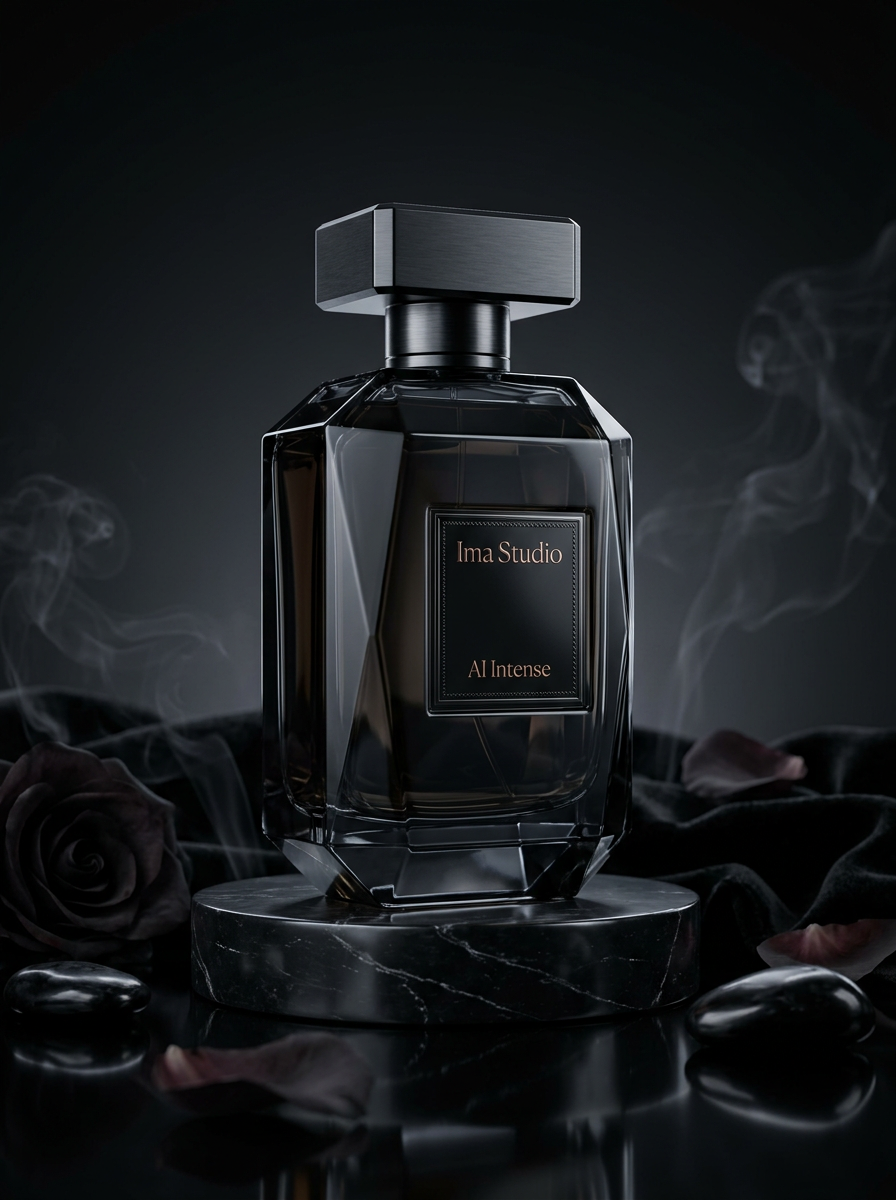
Luxury product macro drift
Commercial short-form motion
A good Vidu prompt for short ad-style outputs where the key is deliberate camera motion and polished commercial lighting.
Luxury skincare bottle on reflective stone, soft macro camera drift, dramatic highlights, premium launch-film timing
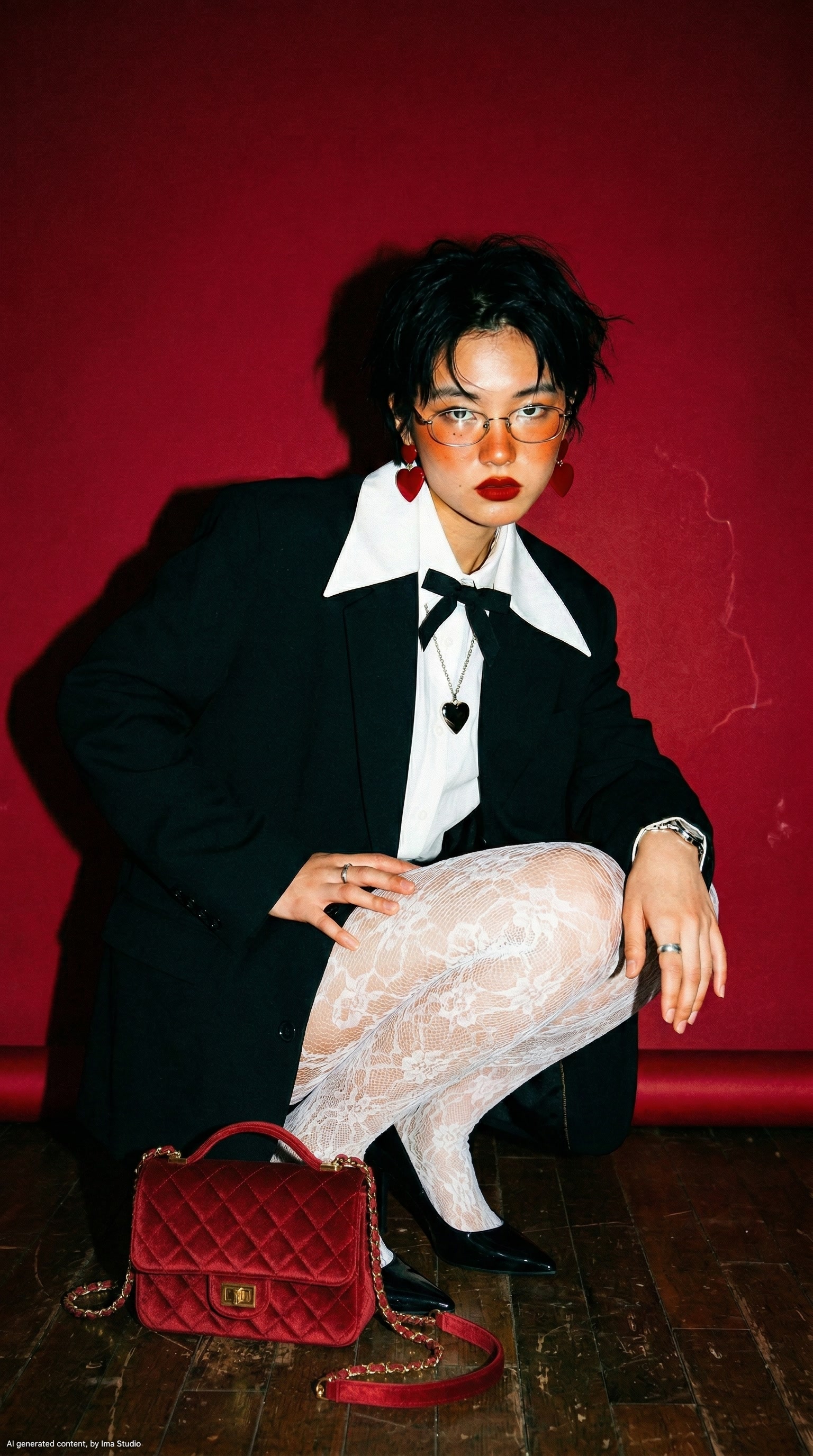
Vertical creator teaser
9:16 social-first output
This is useful for mobile-first products that want to stay intentional about portrait framing from the start.
Vertical creator teaser, stylish portrait framing, soft movement, clean social pacing, premium handheld realism
How To Use This API
How to use Vidu API
This quick-start walkthrough is written to rank for integration-style searches while staying concise enough for busy developers and operators.
- 1
Choose the Vidu variant
Pick the Vidu model based on whether the task is fixed-length, prompt-led, image-led, or needs the broader duration range of the viduq3 family.
- 2
Set aspect ratio and resolution separately
Use size for 16:9, 9:16, or 1:1, and use metadata.resolution for 540p, 720p, or 1080p.
- 3
Decide whether the run is text-led or image-led
Send prompt-only requests for Vincent workflows and use the images array when the chosen model or use case requires picture-to-video guidance.
- 4
Submit the task
Send the request to /v1/videos with model, prompt, duration, size, metadata.resolution, and images when needed.
- 5
Poll and persist the result
Use the returned task id to poll /v1/videos/{task_id}, then download or archive the hosted output URL once the task completes.
FAQ
Frequently asked questions about Vidu API
FAQs stay compact and skimmable here. The content is still data-driven for SEO, but the layout is cleaner and less visually heavy.
What is Vidu API?
Vidu API on ImaRouter is the public async task interface for the Vidu model family, including viduq1, viduq2, viduq2-pro, viduq2-turbo, viduq3-pro, and viduq3-turbo.
Which Vidu models are supported?
The public docs list viduq1, viduq2, viduq2-pro, viduq2-turbo, viduq3-pro, and viduq3-turbo.
Does Vidu support image-to-video?
Yes. Vidu supports image-array-driven picture-to-video workflows, and some variants such as viduq2-pro and viduq2-turbo are specifically image-led only.
How do aspect ratio and resolution work?
Use size for aspect ratio such as 16:9, 9:16, or 1:1, and use metadata.resolution for output resolution such as 540p, 720p, or 1080p.
What duration ranges are supported?
viduq1 is fixed at 5 seconds, the viduq2 family supports 4 to 8 seconds, and the viduq3 family supports 1 to 16 seconds.
What endpoint does Vidu use in ImaRouter?
Vidu uses the same public video task flow as the other OpenAI-style video pages: submit on /v1/videos and poll on /v1/videos/{task_id}.
How do I get the final video URL?
Poll /v1/videos/{task_id} until the task reaches completed, then read the hosted output URL from the completed task payload.
Why use ImaRouter for Vidu instead of wiring providers one by one?
ImaRouter combines model routing, five-modality coverage, transparent pricing, automatic failover, and faster new-model onboarding so teams do not have to integrate and monitor providers one by one.
Model Directory
Browse the full model market before you choose your route.
Use the `/models` catalog to scan providers, modalities, reasoning support, context windows, and pricing metadata from a local OpenRouter snapshot. It is the fastest way to compare what exists before you decide which models should be prioritized on ImaRouter.
Get Started
Add Vidu to your product without building a custom provider task layer
Use one /v1/videos task flow for the Vidu family, then expand the same async pattern across the rest of your routed video stack. Use one API surface for 80+ models across five modalities, with transparent routing, automatic failover, and fast new-model onboarding.